Introduction
Portable Document Format (PDF) has become one of the most widely used document formats across the world. Whether you are sharing resumes, legal documents, assignments, invoices, reports or business presentations, PDF remains the preferred choice because it preserves formatting across every device.
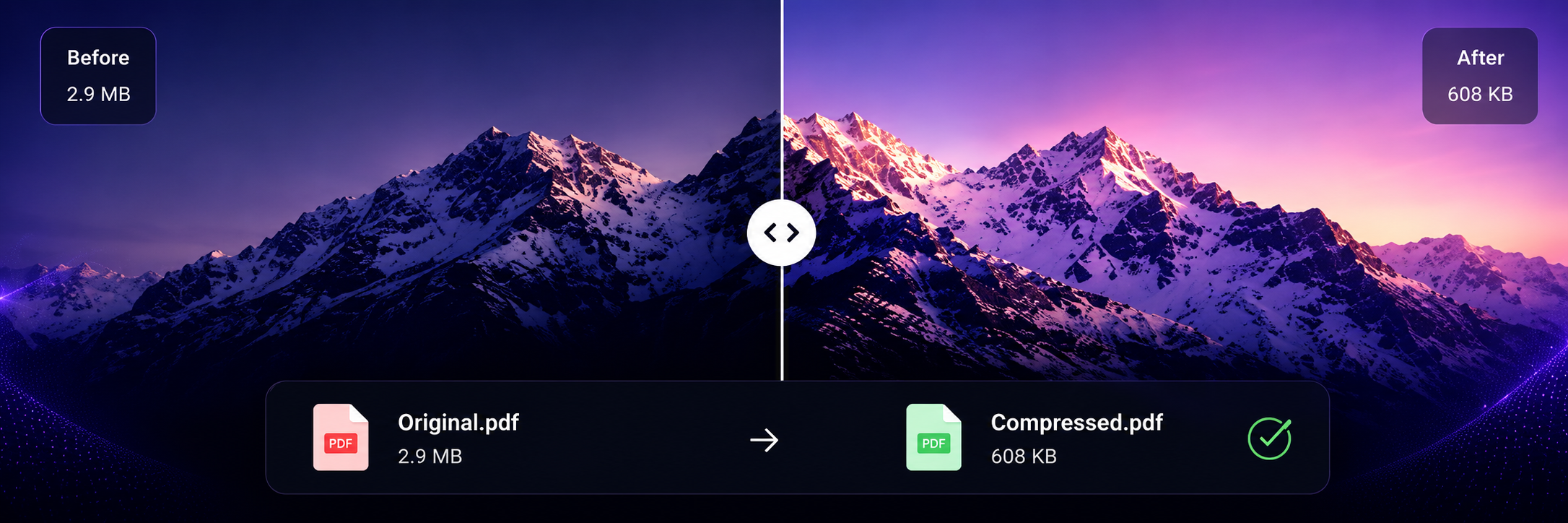
However, large PDF files often become difficult to upload, store or send through email. Many websites have upload limits, while email providers restrict attachment sizes. This is where an intelligent PDF compression tool becomes extremely valuable.
MyFileora was developed to solve this problem using a modern browser-based compression engine that focuses on three important goals:
- Reduce file size efficiently.
- Maintain excellent document quality.
- Protect user privacy during processing.
Unlike many traditional online compressors, MyFileora has been designed with simplicity, speed and security in mind. Users can compress documents within seconds using an elegant interface without complicated settings or unnecessary registration.
Why PDF Files Become Large
Many users believe that a PDF file only contains text. In reality, a PDF can contain high-resolution images, embedded fonts, metadata, annotations, color profiles, graphics and other digital resources.
These elements significantly increase file size. For example, a scanned document containing dozens of high-quality images can easily exceed several megabytes. Such files become difficult to upload to university portals, government websites or business platforms.
MyFileora intelligently analyzes these components and optimizes them wherever possible while preserving readability and professional appearance.
Upload Your PDF File
The journey begins with uploading your document. MyFileora has been designed with a clean and user-friendly interface so that anyone can compress files without technical knowledge.
Users can simply drag and drop a PDF into the upload area or click the browse button to choose a file from their computer, tablet, or smartphone.
Unlike complicated desktop software that requires installation, MyFileora works directly in your browser. There is no need to download additional applications or create an account before using the service.
Once your file is selected, the application immediately starts preparing it for optimization. During this stage, the original file remains available until the compression process is completed successfully.
Why the Upload Process is Fast
- No software installation.
- No user registration.
- Simple drag and drop interface.
- Works on desktop and mobile devices.
- Supports modern web browsers.
Intelligent File Analysis
After the upload is complete, MyFileora begins analyzing the internal structure of the PDF document.
A PDF is much more than plain text. Every document may contain images, fonts, embedded objects, metadata, vector graphics, and document properties.
Instead of applying one fixed compression level to every file, MyFileora studies the content first. This allows the application to determine which parts of the document can be optimized while keeping the document readable and visually appealing.
This intelligent analysis makes compression far more effective than traditional methods that simply lower image quality without considering the overall document structure.
Image Detection
Large embedded images are identified and optimized without noticeable quality loss.
Font Optimization
Unused font information is reduced wherever possible to decrease overall file size.
Metadata Cleanup
Unnecessary metadata is removed to create a cleaner PDF.
Advanced Compression Technology
The core of MyFileora is its intelligent compression engine.
Rather than aggressively reducing quality, the system carefully balances optimization and visual clarity. The goal is to achieve a significantly smaller file while ensuring that text remains sharp and images continue to look professional.
Users can choose different compression presets depending on their needs.
Extreme Compression
Designed for maximum file size reduction. This mode is ideal for email attachments, online applications, and quick file sharing.
Balanced Compression
The recommended option for most users. It provides an excellent balance between document quality and reduced storage requirements.
Studio Quality
Perfect for professional documents where maintaining visual quality is the highest priority.
The quality slider also allows users to fine-tune compression according to individual preferences.
Browser-Based Processing
One of the biggest advantages of MyFileora is that much of the optimization process is designed to happen directly inside your browser whenever supported.
This approach improves speed while also giving users greater confidence that their documents remain under their control throughout the optimization process.
Because unnecessary server-side processing is minimized, users often experience faster performance and a smoother workflow.
"Our goal is simple—compress documents efficiently while making privacy and user experience our highest priorities."
— MyFileora TeamPrivacy & Security First
When people upload PDF documents, they often contain sensitive information such as bank statements, legal agreements, resumes, business reports, invoices, educational certificates, medical records, or confidential office documents. Protecting these files is one of the biggest priorities for MyFileora.
Unlike many traditional online tools, MyFileora is designed with a privacy-first approach. The platform minimizes unnecessary exposure of your files and focuses on secure browser-based processing wherever possible.
This means users can compress documents with confidence, knowing that security is considered throughout the optimization workflow.
Our Privacy Principles
- Secure browser-based processing.
- No mandatory registration.
- No unnecessary personal information required.
- Fast document optimization.
- User-friendly and transparent workflow.
Why Choose MyFileora?
There are hundreds of PDF compressors available on the internet, but not all of them provide the same user experience. MyFileora has been designed to combine speed, simplicity and professional quality into one modern platform.
Whether you are a student submitting assignments, an office employee sending reports, a freelancer delivering client projects or a business owner managing documentation, MyFileora helps simplify your workflow.
Lightning Fast
Compress documents in just a few seconds with an optimized workflow.
Secure
Designed with privacy in mind so users can confidently optimize important documents.
Works Everywhere
Compatible with desktops, laptops, tablets and smartphones.
Flexible Quality
Choose between Extreme, Balanced or Studio Quality compression.
Who Can Use MyFileora?
MyFileora has been built for everyone who regularly works with PDF documents.
Students
Many universities limit assignment upload sizes. Compressing PDFs helps students submit projects quickly without sacrificing readability.
Teachers
Educational resources become easier to distribute when file sizes are reduced.
Business Professionals
Invoices, presentations, reports and contracts become much easier to email and archive.
Job Seekers
Compressed resumes and portfolios upload faster on recruitment portals.
Freelancers
Client files become smaller without losing professional appearance.
The Future of MyFileora
Our vision goes beyond PDF compression. We aim to build a complete online document toolkit that helps users manage files more efficiently from a single platform.
Future updates may include several exciting productivity tools.
- PDF Merge
- PDF Split
- Image Compressor
- Image to PDF
- Word to PDF
- Excel to PDF
- PowerPoint to PDF
- PDF Password Protection
- PDF Unlock
- Batch Compression
- OCR Document Scanner
- AI Document Optimization
These improvements will transform MyFileora into an all-in-one file management platform suitable for students, professionals and businesses around the world.
Ready to Compress Your PDF?
Experience secure, intelligent and high-quality PDF compression today with MyFileora.
Compress PDF NowFrequently Asked Questions
Yes. MyFileora allows users to compress PDF documents online without installing software. The platform is designed to provide a simple, fast and user-friendly experience.
MyFileora intelligently balances quality and file size. Users can choose Extreme, Balanced or Studio Quality compression depending on their needs.
Security is one of our highest priorities. MyFileora is built with a privacy-first approach and aims to minimize unnecessary exposure of your files during the compression process.
Absolutely. MyFileora works smoothly on desktops, laptops, tablets and smartphones using modern web browsers.